Hi Meteobridge Gurus (Boris et al),
A while ago I had written a used-defined weather station to inport UV & Solar readings. This was setup as Station 2 in the Station panel of the meteobridge admin. These were mapped to uv0index and sol0rad variables.
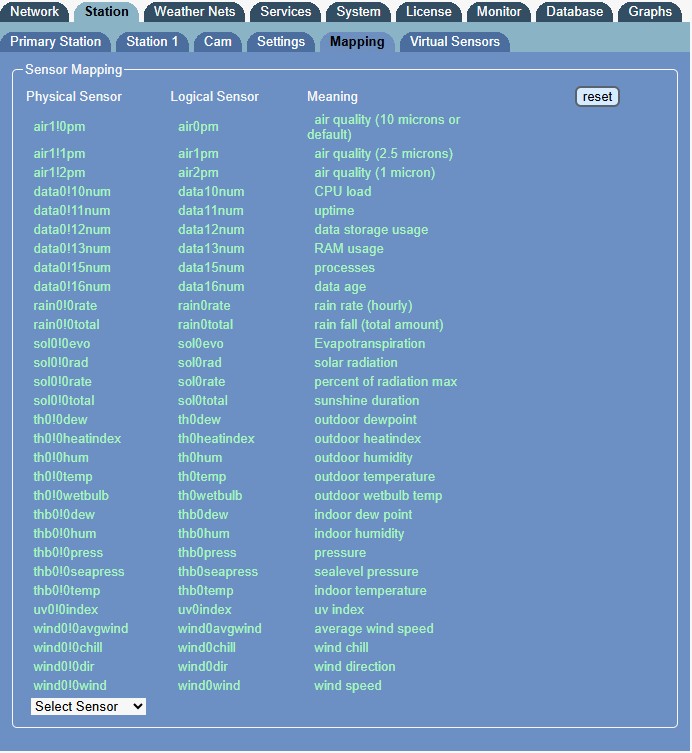
- Meteobridge mappings.jpg (104.91 KiB) Viewed 163 times
Then I upgraded to a Davis Pro with proper UV and Solar readings and these produced proper uv0!0index and sol0!0rad values and the old mappings were removed and uv0!0index properly maps to uv0index. The old "station 2" was removed.
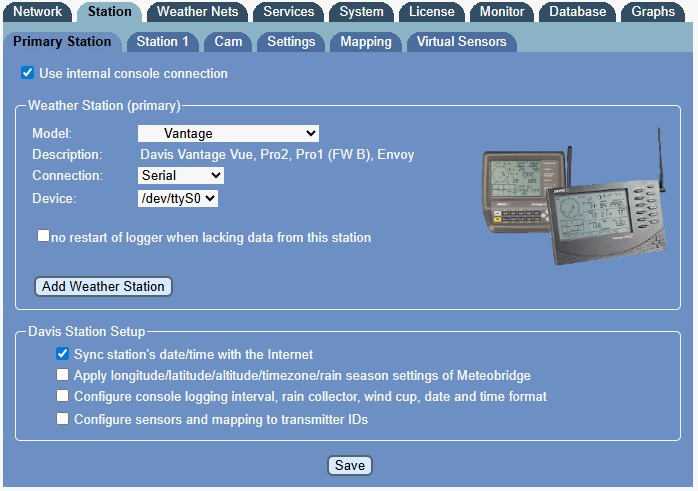
- Meteobridge Station list.jpg (77.76 KiB) Viewed 163 times
However the meteobridge logging is still showing station 2 doing something, but not working as there's no data available from which to draw readings.
Any clues as to how I really remove this?
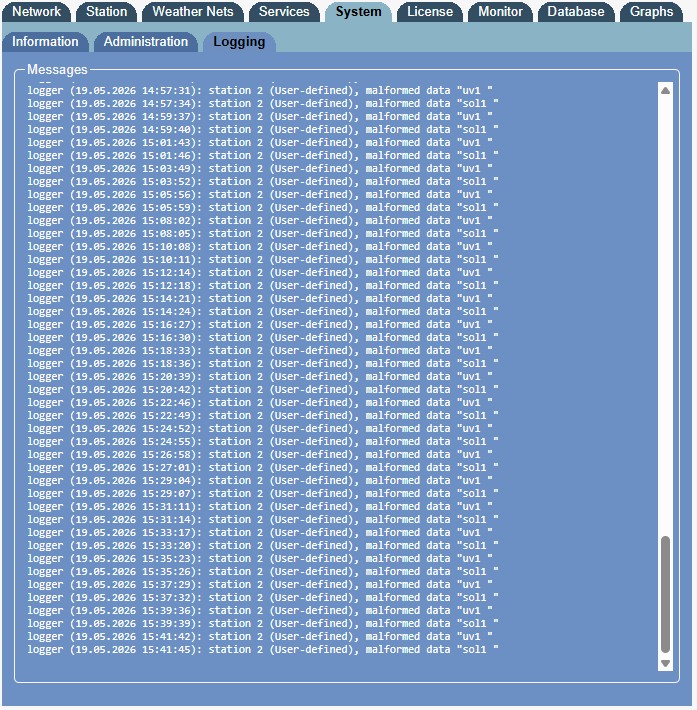
- Meteobridge logging.jpg (206.62 KiB) Viewed 163 times
The script (in the /scripts folder on meteobridge) that is generating these log messages looks like this:
Code: Select all
#!/bin/sh
while true
do
   uvdata=$(wget -q0- http://192.168.0.202/uv.data)
   echo "uv1 $uvdata"
   soldata=$(wget -q0- http://192.168.0.202/solar.data)
   echo "sol1 $soldata"
   sleep 120
done
Meteobridge is still running this script when it's not supposed to. Do I just delete the script or will that break something else in Meteobridge?

